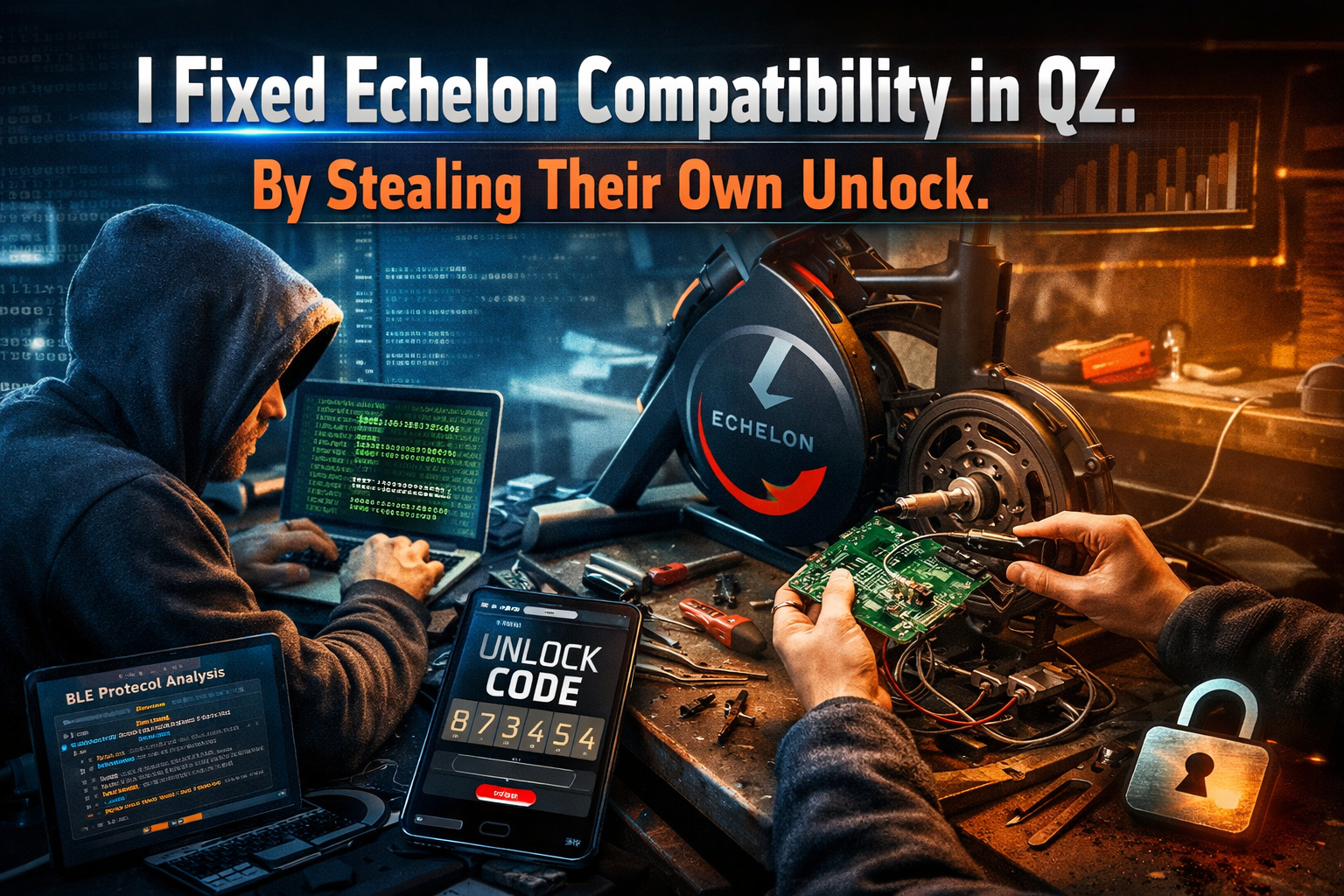
A few months ago I wrote about how Echelon firmware updates were breaking compatibility with QZ. Devices were still connecting, Bluetooth looked fine, but no real data was coming through anymore. Power, cadence, speed everything that matters was gone.
This wasn’t random. Something had clearly changed in the initialization phase.
So I started digging.
The first step was understanding what the official Echelon app was doing differently. That meant capturing traffic, replaying sequences, isolating writes, and figuring out which parts actually mattered and which ones were just noise.
It quickly became obvious that the bike wasn’t “broken” at all. It was just waiting.
Waiting for something very specific.
An unlock.
At that point, there are two ways to proceed. You can try to fully reverse engineer the protocol and replicate everything the app does… or you can take a step back and look for a simpler angle.
The key insight was this: I don’t need to recreate the unlock logic if I can just get the unlock itself.
So instead of talking directly to the bike, I inverted the setup.
I made QZ behave like the bike.
Then I let the official Echelon app connect to it.
Now the roles are flipped: instead of trying to imitate the app, I let the app reveal exactly what it sends during initialization. The unlock code comes out naturally, because that’s what the app is designed to do.
QZ captures it, forwards it to the real bike, and that’s it, the device is unlocked and starts streaming data again.
No guessing. No brute force. No incomplete emulation.
After all the reverse engineering work, the final solution was just placing myself in the middle of the conversation and letting the system expose its own secret.
Power, cadence, speed everything comes back immediately, because the bike is now in the exact state it expects.
What looked like a closed system wasn’t really closed.
It just assumed no one would think to sit between the app and the hardware.
It’s now in beta on version 2.21, send me an email to roberto.viola83@gmail.com if you need more information.
Here are some specific steps to use QZ to connect an Echelon Bike to use the Peloton app:
1. Open your QZ app (version 2.21.0 or greater)
2. Power on your Echelon Bike
3. Allow the QZ app to pair with bike (setup must be done first to ensure that QZ is searching for and has selected your specific bike).
4. Open the Echelon Connect App and select the user.
5. Go to the “Me” tab in the Echelon app.
6. Start a Freestyle Ride.
7. When instructions pop up in the QZ app informing you about connecting to the Echelon bike, select “yes” to go to classic bridge mode (at this point, the metrics in the Freestyle class on Echelon tablet will now freeze. This is expected.).
8. Open the Peloton app, select and start a class
9. When the message pops up in QZ asking if you want to join the Peloton class, select “yes”.
10. Proceed with the Peloton class. Cadence, resistance, watts, etc. should now be displaying in the QZ app.
How can you get version 2.21
App Store only has 2.20
Send me an email to Roberto.viola83 at Gmail.com with the app store receipt and I will send it. I’m going to bed now. I’ll be back in 8 hours
I’ve emailed you. Thanks
Hi
Did you get my email?
Hi, just tested with App V.2.21.6 on my updated Echelon Connect (ECHEX-3).
Can confirm it all works perfectly for me, i did not need to involve the echelon app. I just followed the usual procedure: Turn on Bike, Attach Bike to QZ bike (confirmed Speed, cadence, watts, Resistance worked), connected to Rouvy (choosing phone running app)
Big thanks to Robert for solving this issue.